How do I change display settings when exporting to Google Earth?
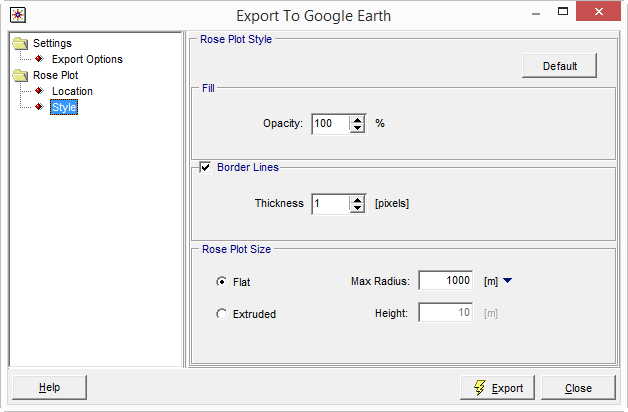
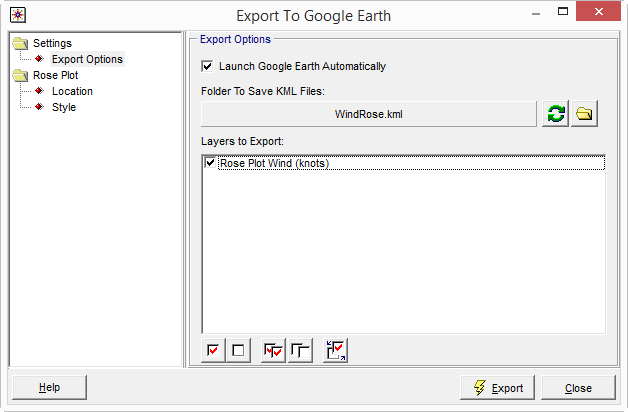
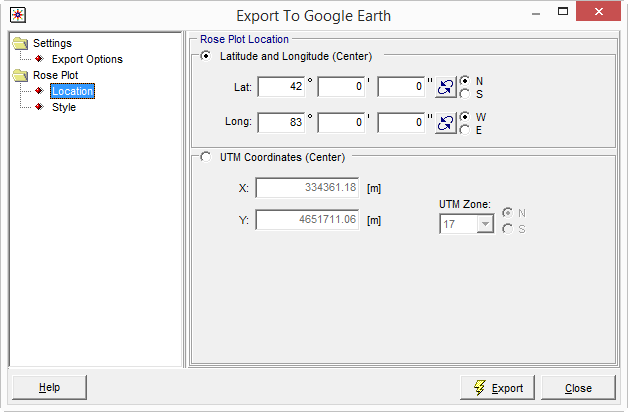
In WRPLOT View, wind roses can be automatically exported to Google Earth via the Wind Rose tab. Prior to exporting the data, users can define several appearance options.
- Location to Save: Choose where on the computer to save the KML file via the Export Options
- Location: If the met data file includes location information, the coordinates are automatically imported. Otherwise, the user needs to specify latitude & longitude or UTM coordinates where they want the center of rose plotted.
- Style: Options here include the size of the plot, opacity, and line thickness